
Recover Files/Data From Your Infected Flash Drive
Step 1. Insert your Flash/USB drive which is infected and open it.
Step 2. Click Start Button (this is the windows icon) . Then type CMD in the blank provided and hit or click the cmd button. See the screenshot below.

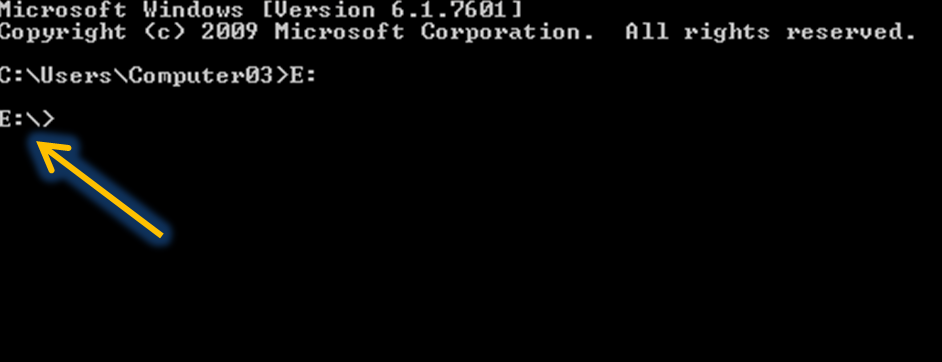
Step 4. In command prompt, type
E:

Step 5. Then click enter. Command Prompt will show E:\>
Step 6. Then type the set of letters next to it.
attrib -s -h /s /d *.*

Step 7. Hit enter and wait for few seconds.
Let me know if you have some questions regarding this post.That's all budies! * :-)
No comments:
Post a Comment